is it possible that we do the same with my vera plus, for days I don’t have Alexa and neither do I have access from the mobile app and web portal. What data do you want me to send so that you can help me mac? serial?
thanks
I’ve been experiencing the same issue. The mobile app or website (home.getvera.com) does not connect to my controller. Local access works fine.
@JonathanB: Sorry, rebooted and no change.
Hello Miguel,
Could you please check your inbox? We’ve sent you an email to proceed with your serial number.
Hello @mhurst,
We’ve checked your Vera Plus (serial ending in 65), and it appears to be online on our end. Could you please check and confirm?
Hello @tbearman,
Could you please try again? Are we correct about the Vera Plus serial number ending in 92?
We’ll be waiting for your feedback and results.
Hello @JonathanB: Serial confirmed ending in 92, rebooted and service LED is off. Don’t know if it’s relevant, as I don’t use it, but Bluetooth LED is also off.
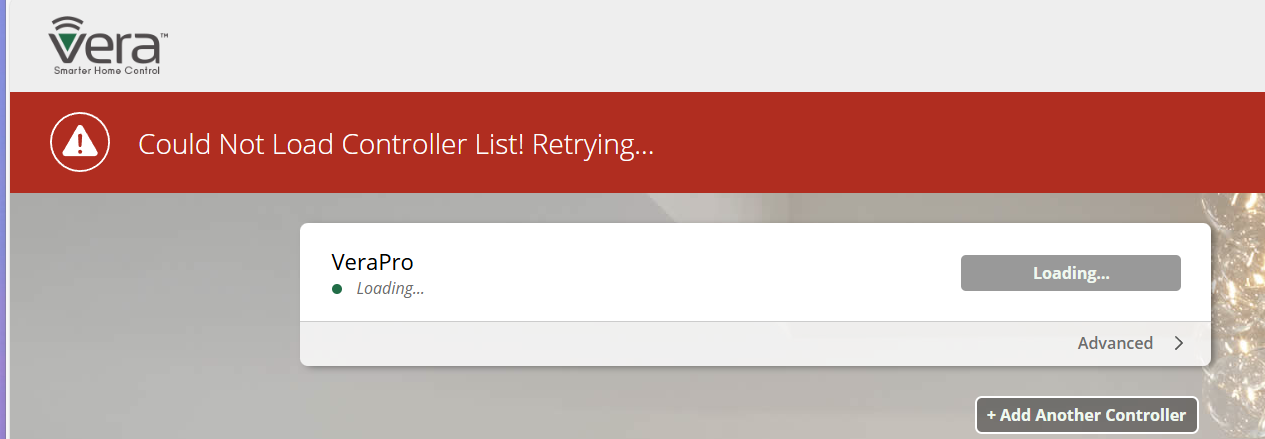
@JonathanB I’m seeing this screen when attempting to login:
Thanks
1 Like
@JonathanB: at some point my service LED has now come on (BT remains off), but still getting the “could not load controller list” error per mhurst’s image.
1 Like
Since yesterday, I experience the same problem as @mhurst. Local acces via wifi is possible but all cloud services like remote access or Google Home are not available. The led ‘Service’ on the Vera Plus is also off. @JonathanB : is there a way to solve it?
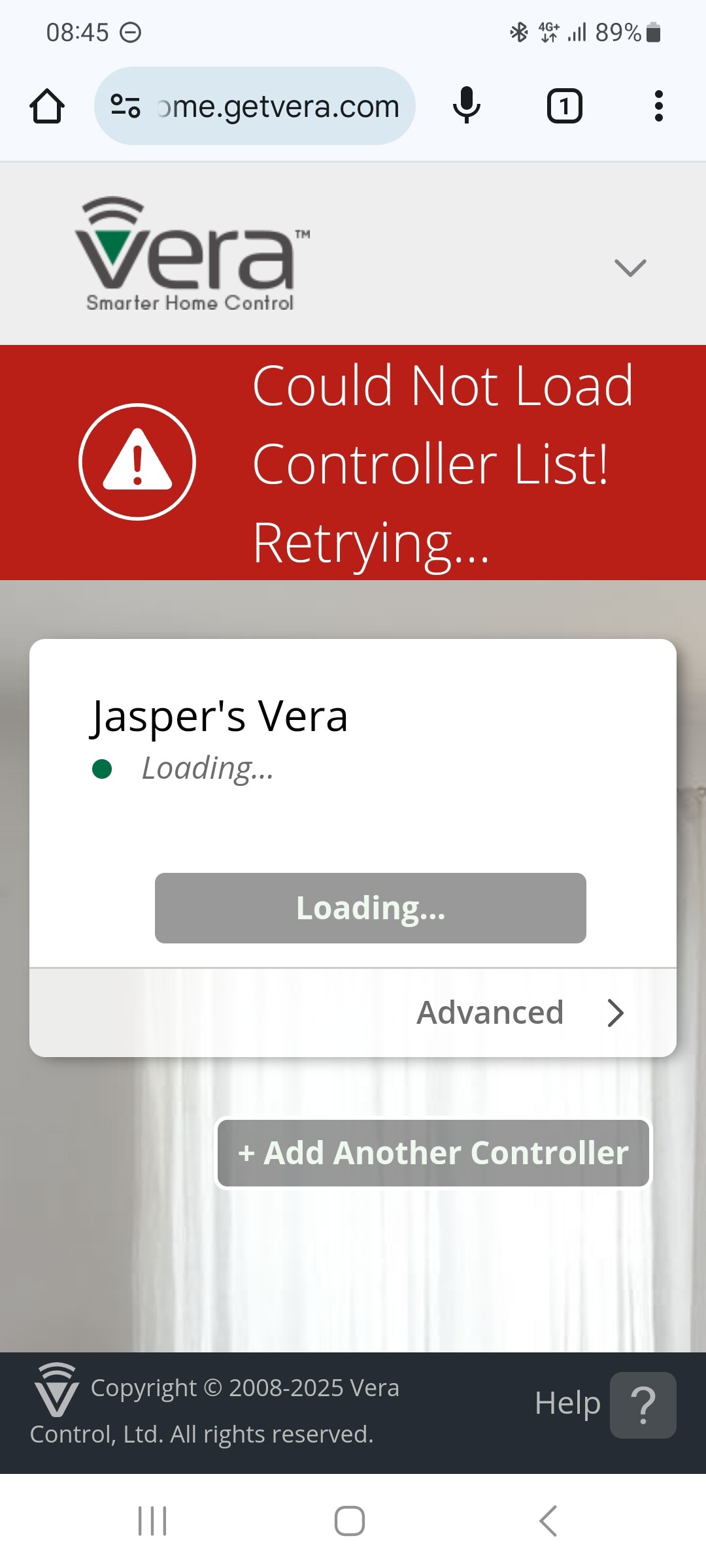
They have some sort of server problem that persists. They can move you to another server and that will fix it but its a bit puzzling a server issue can go on for days… Just replace it…
@curiousB :Yeah, It seems that few people with a Vera products do not experience this. I don’t see many posts about this issue.
Hi,
My Vera hasn’t had a remote connection for a week.
Do you have a deadline for resolving your server problem beacausr my google nest can no longer work ?
Thans for your feedback
Hello, thank you for your prompt response. I have not received any message in my inbox. I am waiting to proceed with sending the serial number. Thank you.
I am having the some problem with my Vera Edge. Interestingly, I can connect with the iOS app so long as I’m on the same WiFi but not externally. Alexa doesn’t work and home.getvera.com are showing the same thing as @Jasper.
2 Likes
Dear Community,
We are pleased to inform you that the technical issue with one of our servers has been resolved. However, we are currently monitoring the controllers as the connection stabilizes, so you may experience some intermittent connectivity during this period.
We appreciate your patience and understanding as we work to ensure full stability. If you have any questions or encounter any issues, please don’t hesitate to reach out.
Thank you for your support and cooperation.
1 Like
Hi, i have the same problem with my veraplus. sometime it’s connect and if i want connect to the mios server , the link becomes down
no connection from external network, the connection beetween the veraplus and Alexa is cut
Hello @bobi,
Could you please power cycle your Vera Plus (serial ending in 34)? We’ve moved your controller to a different server to help bring it back online.
As soon as you see your Vera Plus connected and working through the Vera app, say to Alexa: “Alexa, rediscover devices.” She will respond that no new devices were found, but this will refresh the connection. Then, you can try controlling your devices through Alexa again.
@JonathanB I’m still having issues as well. Can I be moved to a different server?