All the tiles on the dashboard app say “Unknown”. I thought this might have been because I changed my password on my Vera account and perhaps forgot to also update the Home Remote config on my phone.
I have just done that and entered in the my new password and updated the Home Remote app on my phone.
With WIFI turned OFF on the phone thus just a remote 4G connection the Home Remote dashboard app does still not connect.
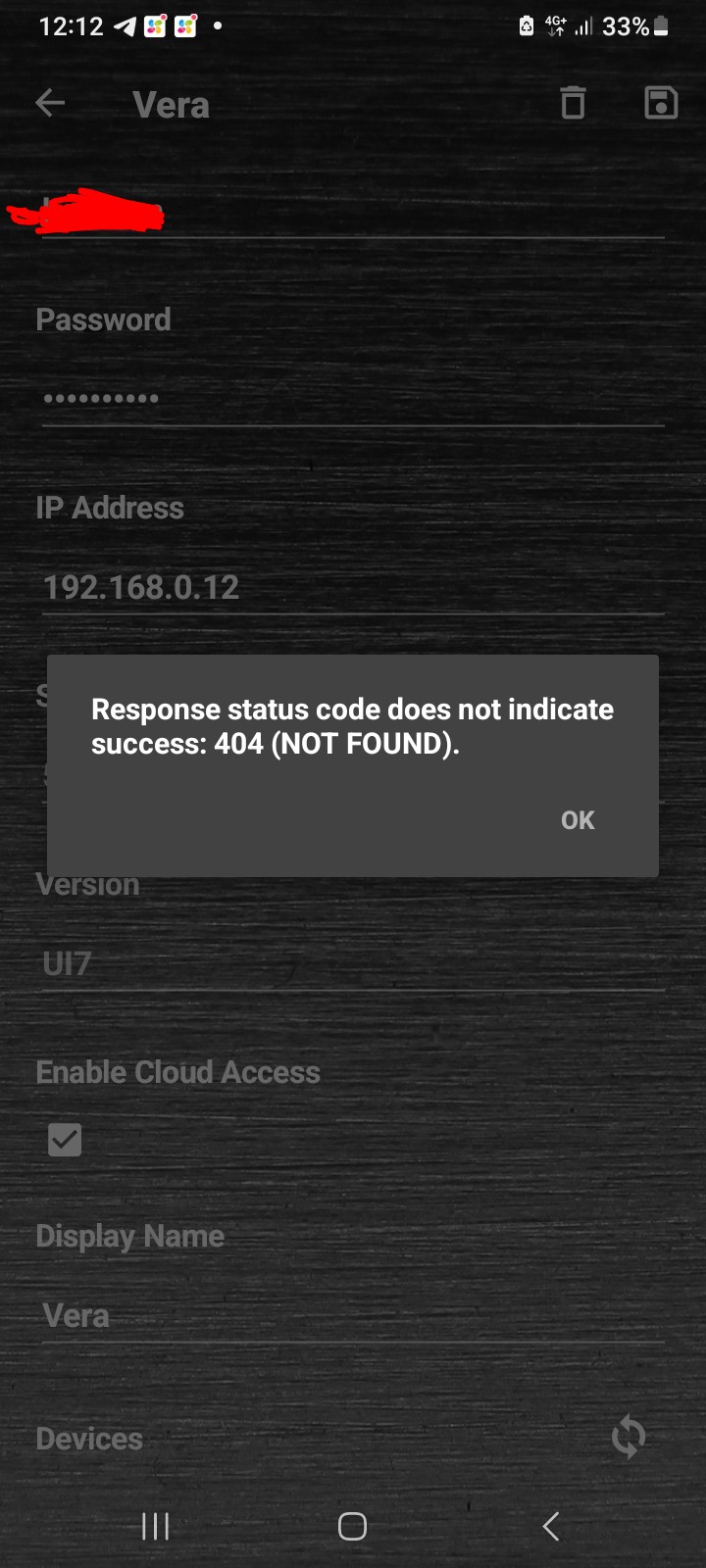
If I go into the Home Remote apps settings and to the Vera connection item and I press the refresh button it says “Response status code does not indicate success: 404 (NOT FOUND)”
Is anyone still here? Using the Home Remote dashboard app to connect to their Vera Plus / Edge controller remotely ?
Thanks.
Also I can still login OK directly to home.getvera.com with my password, so I know the password is correct. The Home Remote dashboard app works fine and connects when my phone is connected to WIFI and on my LAN.
However when I am not at home and “remote” then the Home Remote app no longer connects and I get the 404 error.
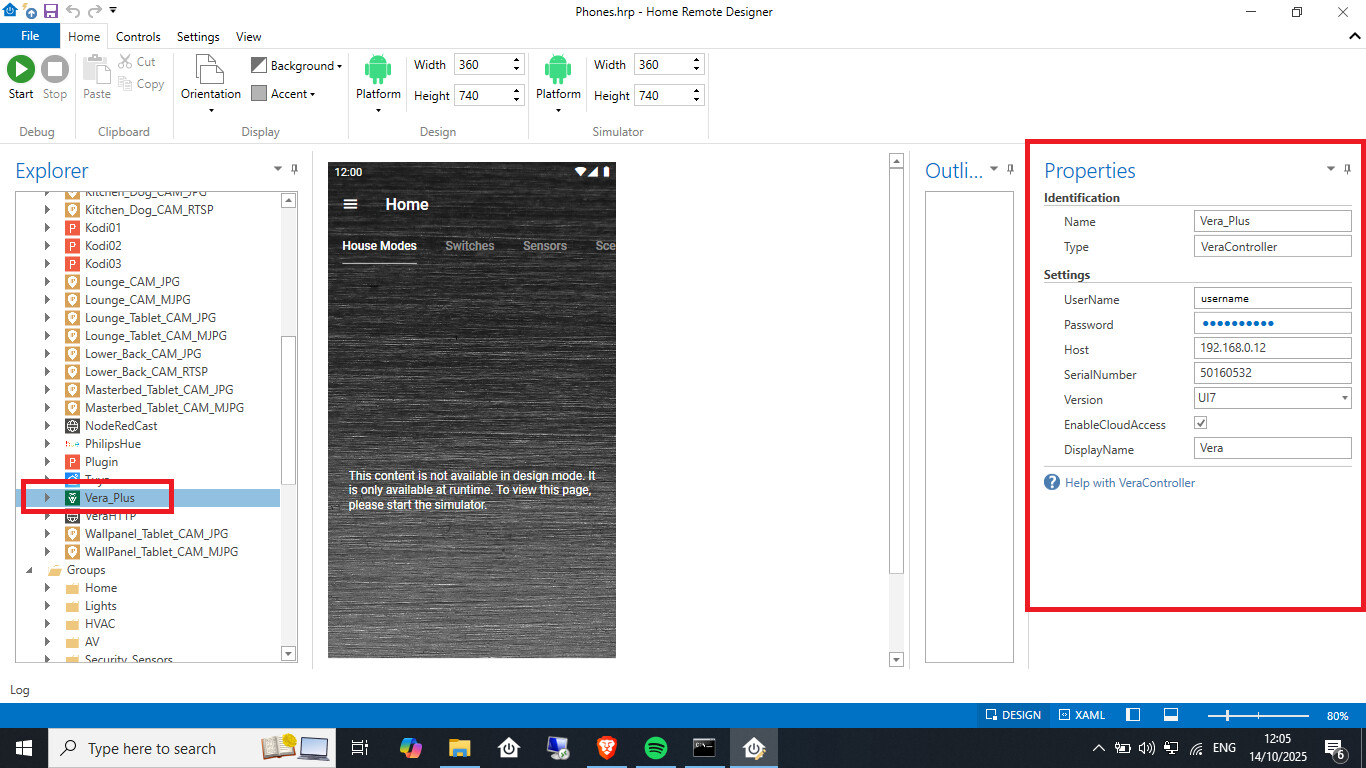
You specify both the local LAN IP address of your Vera controller for local access and you also enter in your home.getvera.com username and password details for remote access etc.
Something must of changed on the Ezlo / Vera backend ? As nothing has changed in Home Remote software as the project is now no longer being updated or developed.
And here is the Vera device connection settings in the Home Remote app on my Android phone. When I click the refresh button, it should connect to my Vera user account and query all the devices on my Vera controller…
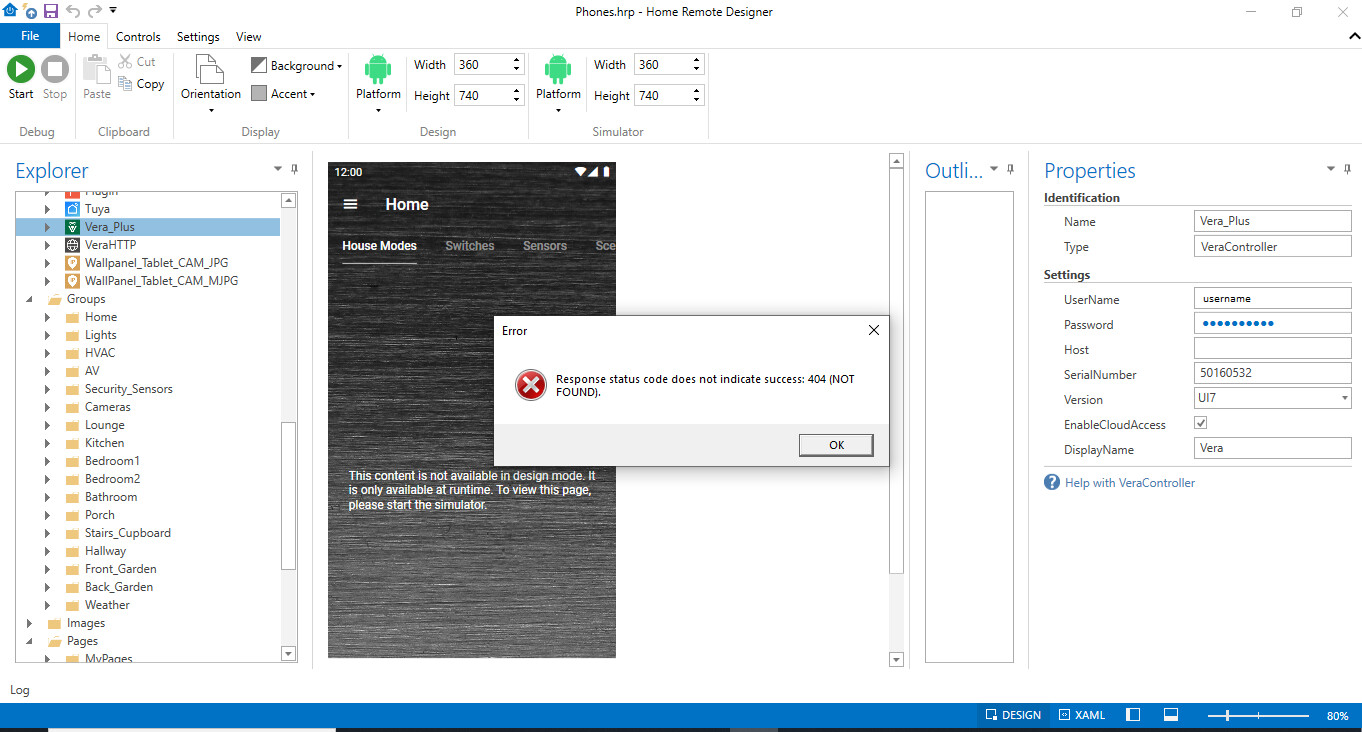
ffs if I remove the local IP address of the Vera controller in the Home Remote Desktop app on my Windows laptop, thus forcing it to connect “Remotely” via home.getvera.com I get the same 404 error as on the phone. See screen shot.
I don’t think there is any kind of logging / debug file I can look at within the Home Remote Designer. So the only thing I have to go off is the 404 error itself which isn’t very useful.
This has all worked for many years, as I said it seems something has changed at the Ezlo / Vera end to break this 3rd party integration.
This is still broken, not sure what changed on the Vera cloud side. Have to use a VPN on my phone now first to connect back into my router / LAN when I am out of the house and then I can use the Home Remote app (connected locally then via the VPN etc). Instead of the app connecting externally on the Internet via the home.getvera.com website relay portal, which now no longer works as it did previously with the Home Remote app.
Best Home Automation shopping experience. Shop at Ezlo!