I just released a plug-in for exactly this purpose!  ("Speaking the weather using data from Wunderground weather app…)
Do you think that it could be possible to translate it also in other languages? I saw that some some phrases are editable, but I don’t know if all. Thanks
Hi teonebello,
Currently you are able to edit the phrases to whatever you’d like, but there are other aspects of the grammatical sentences that are hard coded.
I can attempt to expose these so that they can be edited as well, but the difficulty there will be the underlying difference in language semantics. In other words, I construct a current forecast like this:
[ For the immediate forecast we are expecting] [wonderfully clear skies] [with] [almost spring like temperatures] [ranging from] [40 to 50] [degrees].
The items in bold are ones that you can currently change to whatever you want since they are based on what the incoming weather values are. I can expose the other phrases to be user editable, and that may allow you to construct a syntatically usable statement in your language, but it may not.
It’s a good suggestion, and I 'll put it on my “to-do” list. Thanks!
Hi Guys,
I have a couple of SONOS 1, which have been pair (using SONOS APP) in order to create a stereo experience and say command does not work. SONOS plug in was setup selecting only one of the players and it works fine reproducing music and TTS on both speakers except when calling say lua command…it says nothing.
Could someone please share some “Say” working code for a couple of SONOS players that are already grouped?
Here is what I have been trying to do:
local AV_DEV =59
local LS_SID = “urn:micasaverde-com:serviceId:Sonos1”
local TEMP_SID = “urn:upnp-org:serviceId:TemperatureSensor1”
local OutTemp = luup.variable_get(TEMP_SID,“CurrentTemperature”, 38)
luup.call_action(LS_SID, “Say”, {Text = string.format(“The outdoor temperature is currently at %s degrees”, OutTemp),Volume=45}, AV_DEV)
I did also try the command GroupZones=“Kitchen” (Kitchen is the group name on SONOS APP) after the Volume parameter with no success. 
Thanks,
Hernan
Hi guys,
Solved. I found that paired or synced sonos needs the GroupZones set to “Current” in order to get TTS working. This is all you need GroupZones=“Current” in order to make TTS working from luup code within a scene. I did also test it on my paired set of sonos 3, with no issues.
Hopefully this can help to anyone else with same issue and wondering if this tip can be included on the sonos plug-in help page.
Thanks lodomo for this awesome plug-in.
“Current” just bypasses the creation of a new group for TTS and just uses the current group setup.
I can see all the luup code that needs to be put in but is there anyone that can point out if anything else needs to be done? like what needs to change in the loop code to have it work with peoples veras? changing the name of the sonos maybe? or is there an id that needs to change? do i need to do anything in the advance tab, like add the sonos and pick a command?
All I see is code for the luup and ive tried pasting that into a scene and running it but nothing will happen. any help would be appreciated.
See below extracts for what you may need to change [code]local LI_DEV1 = 82 *1 In this case the Device_Id for the the light and is reference later
local AV_DEV = 5 *2 This is the Sonos Device_Id and is reference later,
local LS_SID = “urn:micasaverde-com:serviceId:Sonos1”
local SEC_SERV = “urn:upnp-org:serviceId:SwitchPower1”local livingroomlight = luup.variable_get(SEC_SERV, “Status”,LI_DEV2) *1 LI_DEV2
luup.call_action(LS_SID, “Say”, {Text = string.format("All lights are off ")}, AV_DEV) *2 AV_DEV
[/code]Otherwise you may see it like this
[code]
local LS_SID = “urn:micasaverde-com:serviceId:Sonos1”
local SEC_SERV = “urn:upnp-org:serviceId:SwitchPower1”local livingroomlight = luup.variable_get(SEC_SERV, “Status”,82) Note as it is not declared
luup.call_action(LS_SID, “Say”, {Text = string.format("All lights are off ")}, 5) Note as it is not declared
[/code]
So all that needs to be done is putting in the luup code? no devices in the advance tab need to be selected? also i kind of see where the name of the sonos needs to be changed. Is there someone who has a video of doing this? maybe just a walk through of putting in the code?
In the first post is the links to the code for various functional examples.
Really, that is it at the moment. You need to get the device Id that match you Vera and look in the example in the logical places I pointed you too. Look for numbers.
If it does not work and you need more help, come back here, but ensure you paste the code you are trying to fix. From there someone will assist identify what you need to look at, such as Services and how to verify other aspects of data required.
Yes, you need to go to the devices Advanced tab and get their Device Id (the number) not their name. This is what you are replacing
alright so this is the code I am putting in, all i want to do is create a scene that i can trigger when i walk in the door. If someone could let me maybe Bold or italicize what i need to change with some type of guidance I would really appreciate it, once again I really have looked through as much as i can of the forums and cannot find anything to help me. thank you very much for any help
url = require(“socket.url”)
local t = os.date(‘*t’)
local AV_DEV = 5
local LS_SID = “urn:micasaverde-com:serviceId:Sonos”
local current_second = t.hour * 3600 + t.min * 60 – number of sec since midnight
local morning = 0 * 3600 + 0 * 60 – 00:00
local afternoon = 12 * 3600 + 0 * 60 – 12:00
local evening = 18 * 3600 + 0 * 60 – 18:00
local name = “Chris”
if (current_second > morning) and (current_second < afternoon) then
luup.call_action(LS_SID, “Say”, {Text = string.format("Good Morning %s ", name)}, AV_DEV)
else
    if (current_second > afternoon) and (current_second < evening) then
         luup.call_action(LS_SID, "Say", {Text = string.format("Good Afternoon %s ", name)}, AV_DEV)
    else

         luup.call_action(LS_SID, "Say", {Text = string.format("Good Evening %s ", name)}, AV_DEV)
    end
end
local AV_DEV = 5 Change the 5 to match your Sonos Device# from the Advance tab as per the attached screen shot, it would be 404. You will then need to set the trigger to activate the scene.
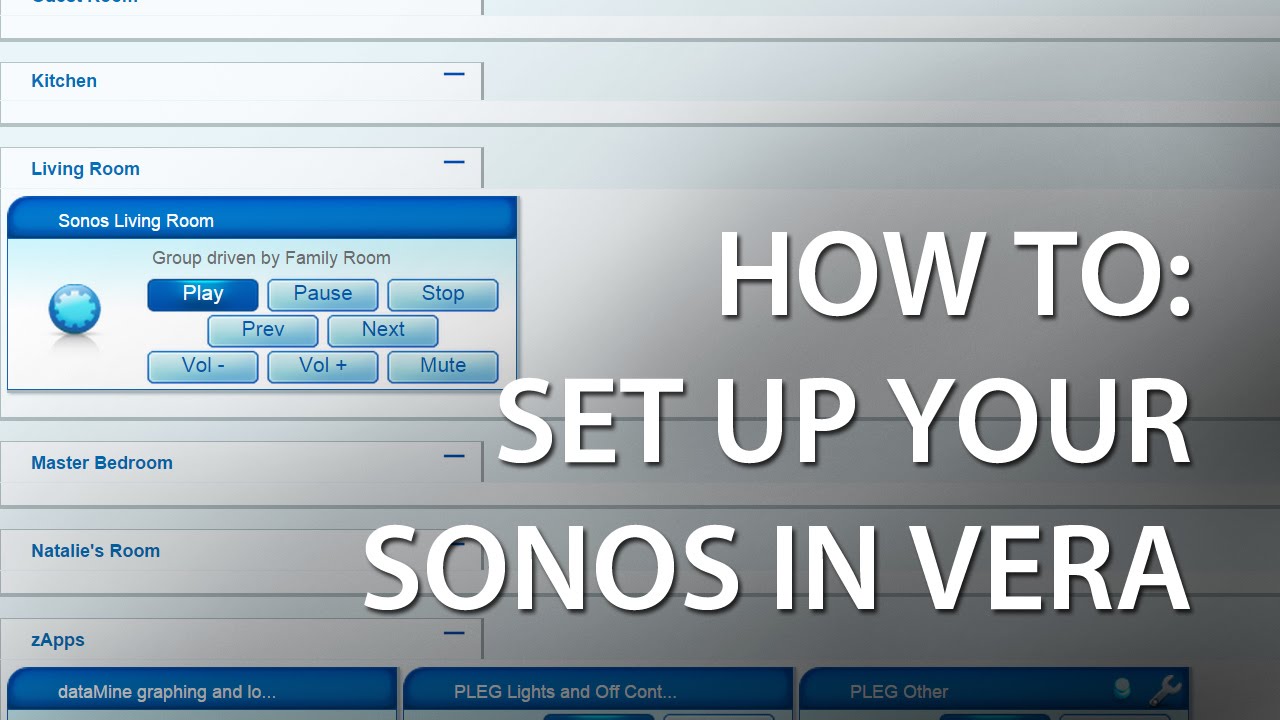
Some YouTube stuff, the first is Vera Traing the the other two are specific to Automating Sonos. I have not watched them but there were referenced in other threads and created by a member of the forum to assist in these cases…
url = require(“socket.url”)
local t = os.date(‘*t’)
local AV_DEV = 24 ------I changed this to myg device
local LS_SID = “urn:micasaverde-com:serviceId:Sonos” -------what is this do i have to change this to whatever my sonos zone is called?
local current_second = t.hour * 3600 + t.min * 60 – number of sec since midnight
local morning = 0 * 3600 + 0 * 60 – 00:00
local afternoon = 12 * 3600 + 0 * 60 – 12:00
local evening = 18 * 3600 + 0 * 60 – 18:00
local name = “Chris” -----what is this? do i have to change this to my username?
if (current_second > morning) and (current_second < afternoon) then
luup.call_action(LS_SID, “Say”, {Text = string.format("Good Morning %s ", name)}, AV_DEV)
else
    if (current_second > afternoon) and (current_second < evening) then
         luup.call_action(LS_SID, "Say", {Text = string.format("Good Afternoon %s ", name)}, AV_DEV)
    else

         luup.call_action(LS_SID, "Say", {Text = string.format("Good Evening %s ", name)}, AV_DEV)
    end
end
is there anything else I need todo in the advance tab or the devices tab like add something with a specific command? thank you so much
[quote=“hkk1644, post:154, topic:173177”]url = require(“socket.url”)
local t = os.date(‘*t’)
local AV_DEV = 24 ------I changed this to myg device
local LS_SID = “urn:micasaverde-com:serviceId:Sonos” -------There is an error with the Service ID see below for change. There are a number of ways to verify this and http://forum.micasaverde.com/index.php/topic,29454.msg209151.html#msg209151 for more details
local current_second = t.hour * 3600 + t.min * 60 – number of sec since midnight
local morning = 0 * 3600 + 0 * 60 – 00:00
local afternoon = 12 * 3600 + 0 * 60 – 12:00
local evening = 18 * 3600 + 0 * 60 – 18:00
local name = “Chris” -----what is this? This is used later and announcement of the name recorded here, so change to your name, but I have changed it below to make it more clearer
if (current_second > morning) and (current_second < afternoon) then
luup.call_action(LS_SID, “Say”, {Text = string.format("Good Morning %s ", name)}, AV_DEV)
else
    if (current_second > afternoon) and (current_second < evening) then
         luup.call_action(LS_SID, "Say", {Text = string.format("Good Afternoon %s ", name)}, AV_DEV)
    else

         luup.call_action(LS_SID, "Say", {Text = string.format("Good Evening %s ", name)}, AV_DEV)
    end
end[/quote]
url = require("socket.url")
local t = os.date('*t')

local AV_DEV = 24
local LS_SID = "urn:micasaverde-com:serviceId:Sonos1"
local current_second = t.hour * 3600 + t.min * 60
local morning = 0 * 3600 +  0 * 60
local afternoon = 12 * 3600 +  0 * 60
local evening = 18 * 3600 +  0 * 60
local myName = "Your Name"

   if (current_second > morning) and (current_second < afternoon) then
        luup.call_action(LS_SID, "Say", {Text = string.format("Good Morning %s ", myName)}, AV_DEV)
   else

        if (current_second > afternoon) and (current_second < evening) then
             luup.call_action(LS_SID, "Say", {Text = string.format("Good Afternoon %s ", myName)}, AV_DEV)
        else

             luup.call_action(LS_SID, "Say", {Text = string.format("Good Evening %s ", myName)}, AV_DEV)
        end
endHi, I clicked on the link you had to help fix the error code for the “local service id”. The 2 links that had screenshots when hovered over are dead and the other one where it said to paste this following link into my browser only took me to google search results.
http:///port_3480/data_request?id=lu_status&output_format=xml
what is…service id? is it anything i can find clicking around UI5?
Once again thank you for being a great help, i looked around on the posts to give you a thumbs up or something similar but didnt see anything
The link needs to be changed must be modified to reflect the IP address of your Vera e.g 192.168.1.55/port…, etc
There are also a number of apps that contain the links internal to vera but I can’t remember them at the moment.
An example of how to find the service id is found at
http://forum.micasaverde.com/index.php/topic,13003.msg96037.html#msg96037
Lua Invoke will provide a drill down:
http://vera_ip/port_3480/data_request?id=lu_invoke
Of course as above change vera_ip to match your vera’s IP address and then paste into your browser
GOT IT! now what am i looking for…i would paste it in here but its way too much. Is it something correlated to the sonos or the vera itself? if so what can i put in the search box to pull it up, also what is it just a number or words?
Most of the codes have the respective data correct and only a few variable need modifying. Just by chance the one you selected to start with had the incorrect Service ID… That did not help you. Did you try the code I pasted before with the corrected information? Match the Sonos device number and change to reflect your name.
Do not paste the user_data.xml output as it contains sensitive information.
If you drill throught the lu_invoke you will see service ids and other variable used but only time will give you an understanding